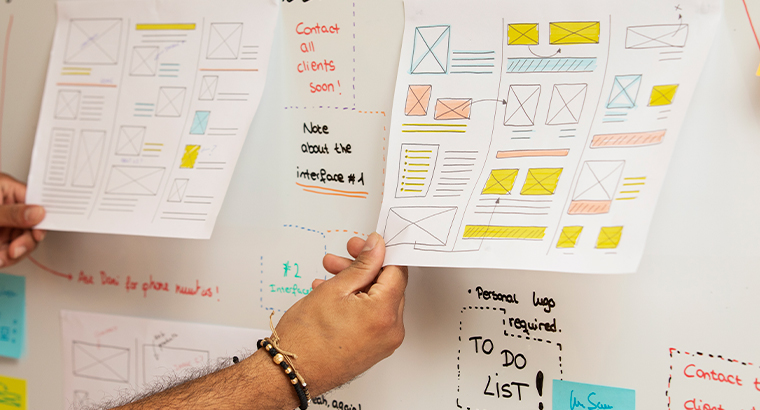
Wireframes First: Why Sketching Saves Time
The case for low-fidelity
Jumping straight into high-detail mock-ups can feel productive, but it often hides flow issues until late in the game. Quick wireframes keep focus on structure and let you adjust before colors and gradients steal the show.
Step-by-step outline
1. Grab the simplest tool
Pen and paper, whiteboard, or a lightweight app like FigJam—speed beats polish at this stage.
2. Map the core flow
-
Entry point (e.g., sign-in)
-
Key actions (search, add to cart)
-
Success state (confirmation)
If a screen doesn’t move the user forward, leave it out for now.
3. Keep it black, white, and gray
Using only shades of gray forces you to rely on layout, not color, to show hierarchy. Headlines pop when everything else is muted.
4. Share early, tweak fast
-
Snap a photo of the sketch.
-
Drop it in Slack with one question: “Does this flow make sense?”
-
Collect quick comments; redraw anything unclear.
When to switch to high-fidelity
-
The team agrees on the flow.
-
Key components are defined (buttons, inputs).
-
No major questions remain about screen order.
Then move into polished UI knowing the foundation is solid.
Quick benefits
-
Faster feedback – changes cost minutes, not hours.
-
Clear priorities – structure before style.
-
Happier devs – fewer late-stage surprises.
Takeaway
Wireframes aren’t old-school—they’re time savers. Sketch first, agree on the path, and your polished designs will land on firmer ground.